|
Install phpMyAdmin
2015/11/09 |
|
Install phpMyAdmin to operate MariaDB on web browser from Clients.
|
|
| [1] | |
| [2] | |
| [3] | Install phpMyAdmin. |
|
[root@www ~]#
dnf -y install phpMyAdmin php-mysqlnd php-mcrypt
[root@www ~]#
vi /etc/httpd/conf.d/phpMyAdmin.conf # line 17: IP address you permit to access Require ip 127.0.0.1 10.0.0.0/24
# line 34: IP address you permit to access Require ip 127.0.0.1 10.0.0.0/24
systemctl restart httpd |
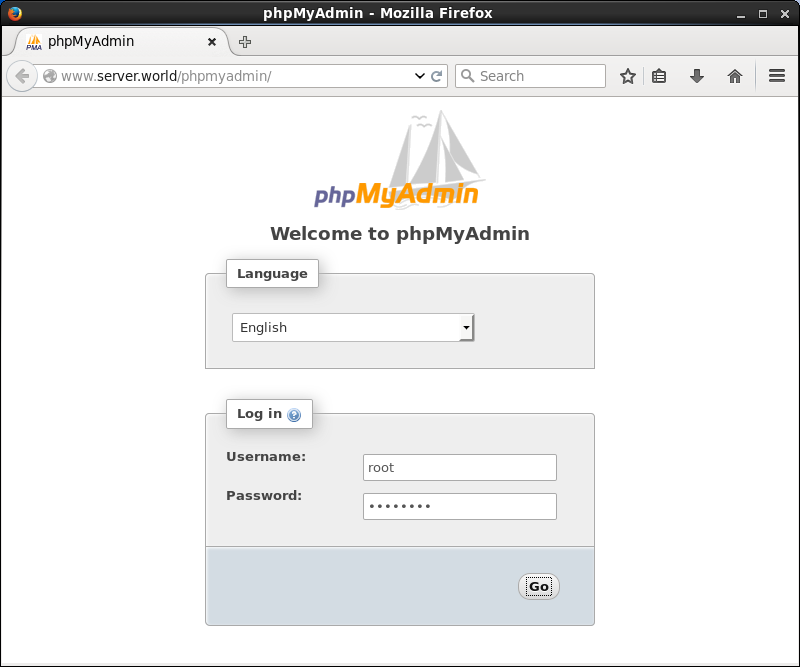
| [4] | Access to 'http://(your hostname or IP address)/(alias name you set)/' with web browser from Clients, then Login with a user in MariaDB on following screen. This example uses root user to proceed. |
|
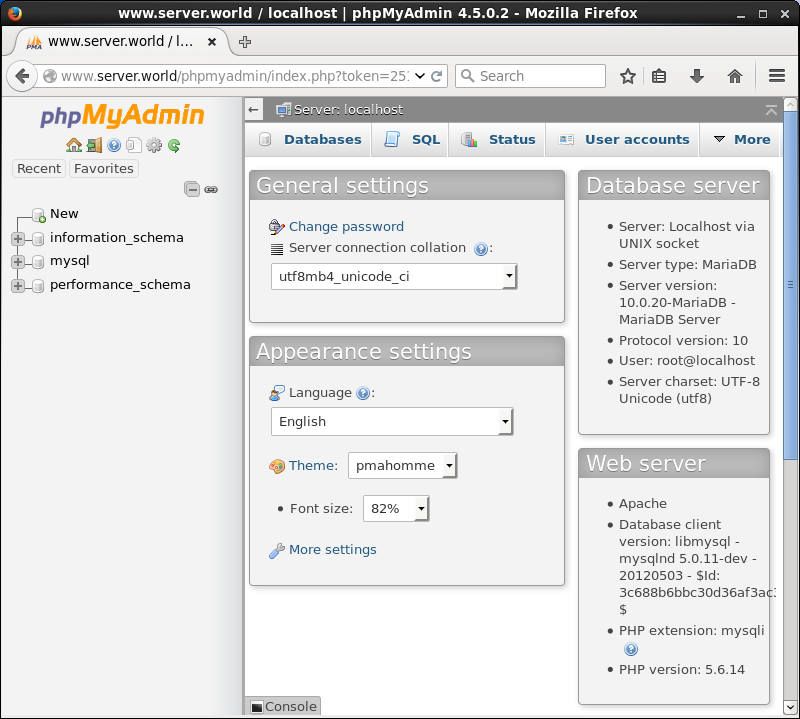
| [5] | Just logined. You can operate MariaDB on here. |
|
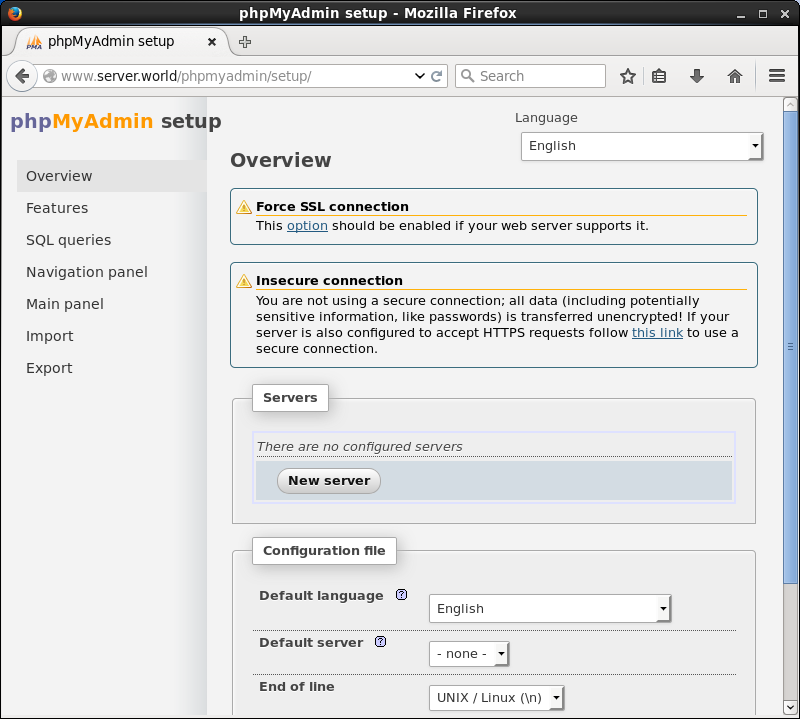
| [6] | It's possible to change settings of MariaDB on "http://(your hostname or IP address)/phpmyadmin/setup". |
|